Private Passwords

Choose a theme

Passwords Reinventedin one beautiful place.

Maximum Security.

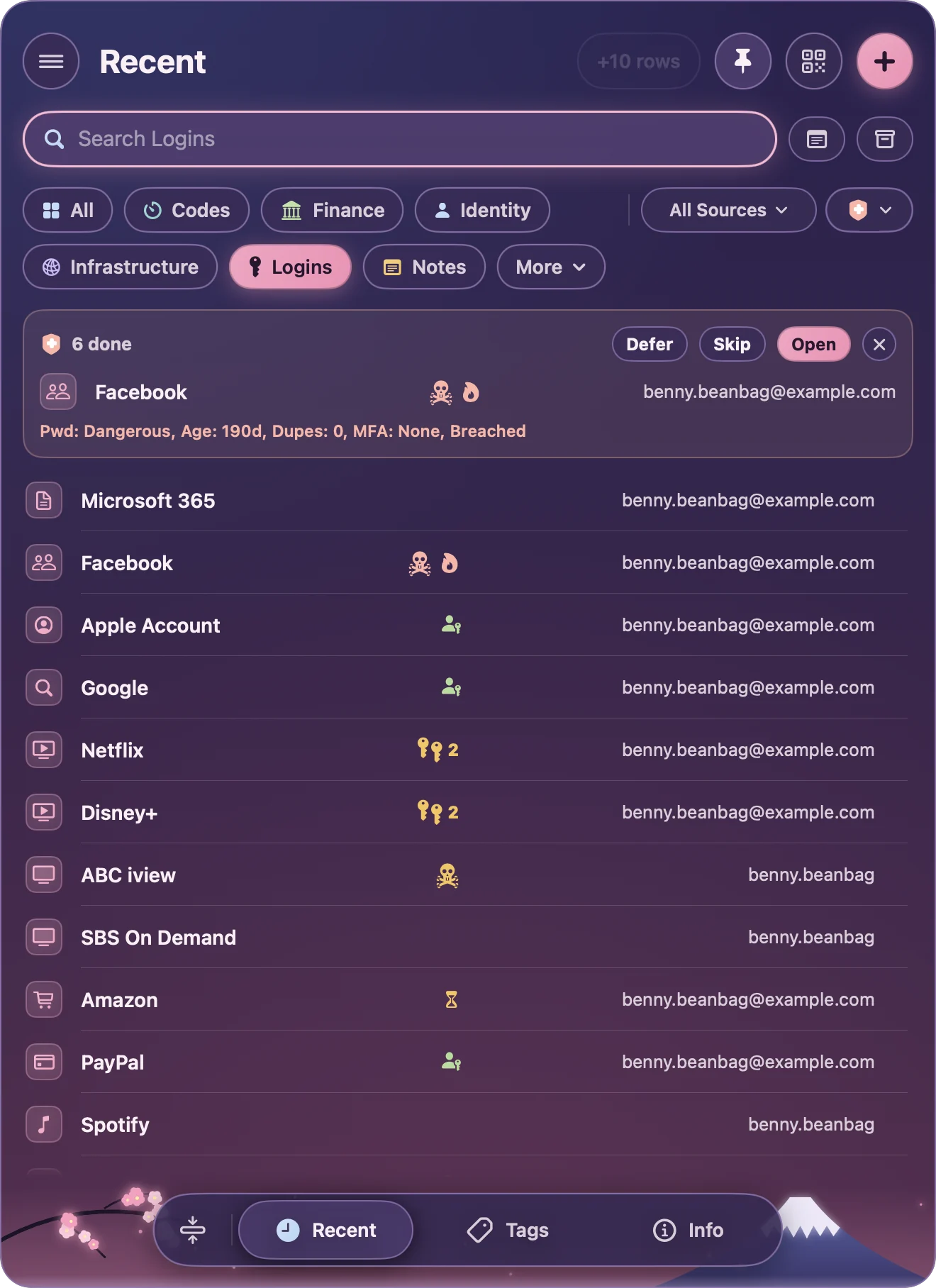
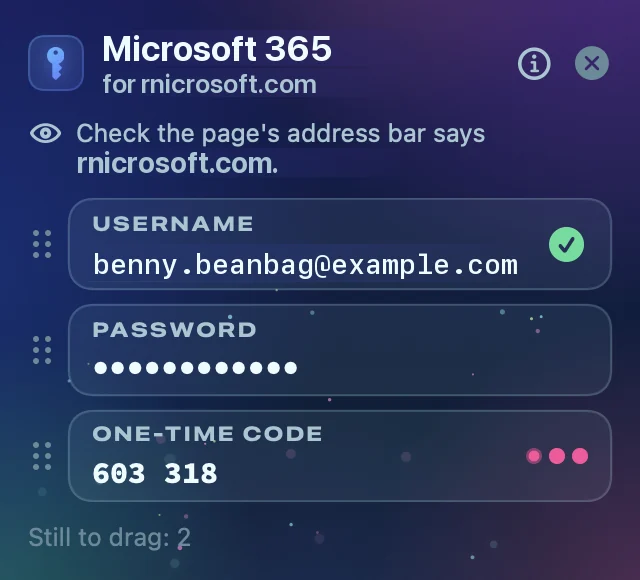
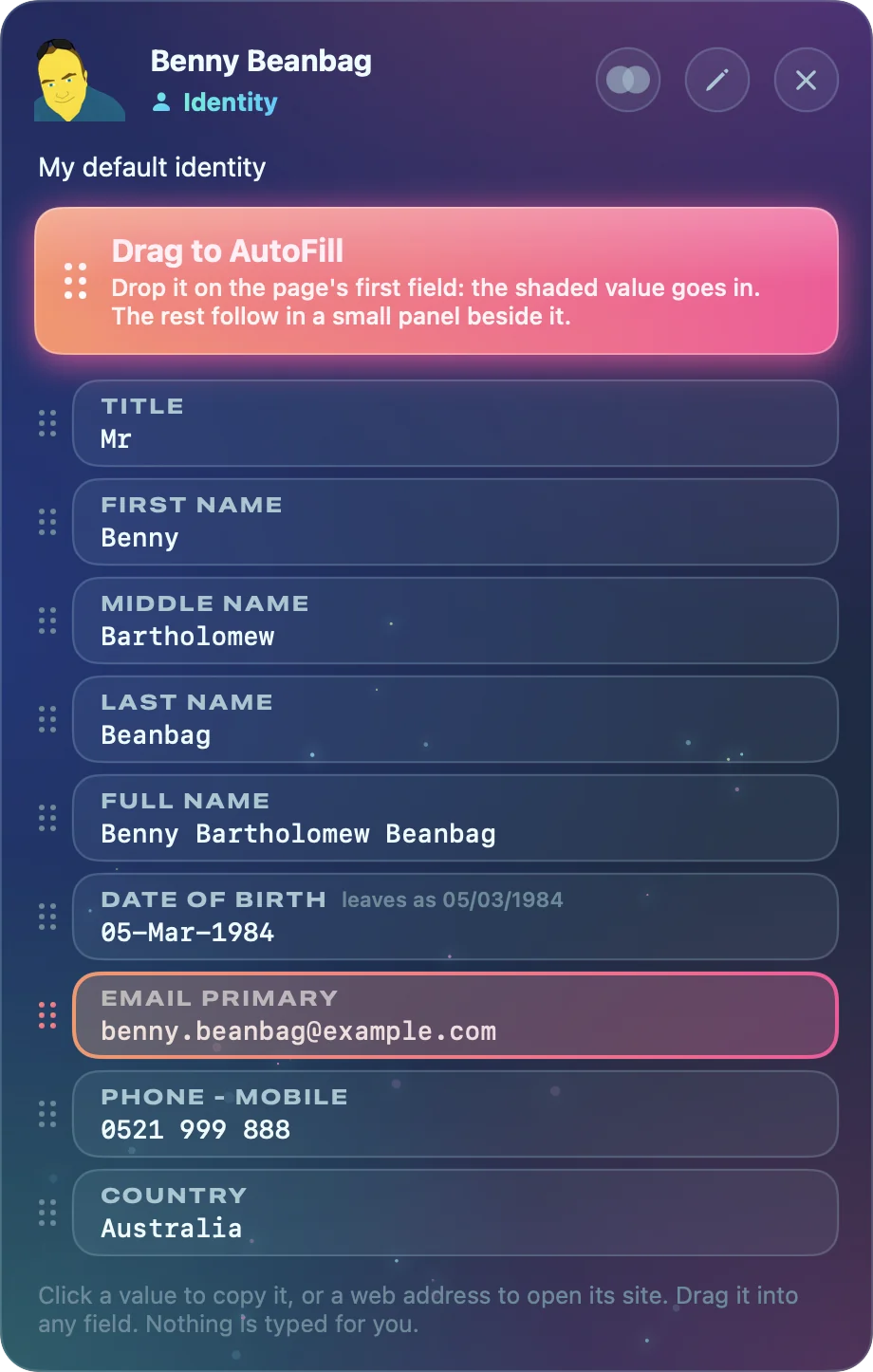
Every password, passkey and one-time code in one beautiful place, filled in for you by AutoFill. No account, no server, no tracking. Free, with nothing to buy.

Move in from your old password app

or Apple Passwords

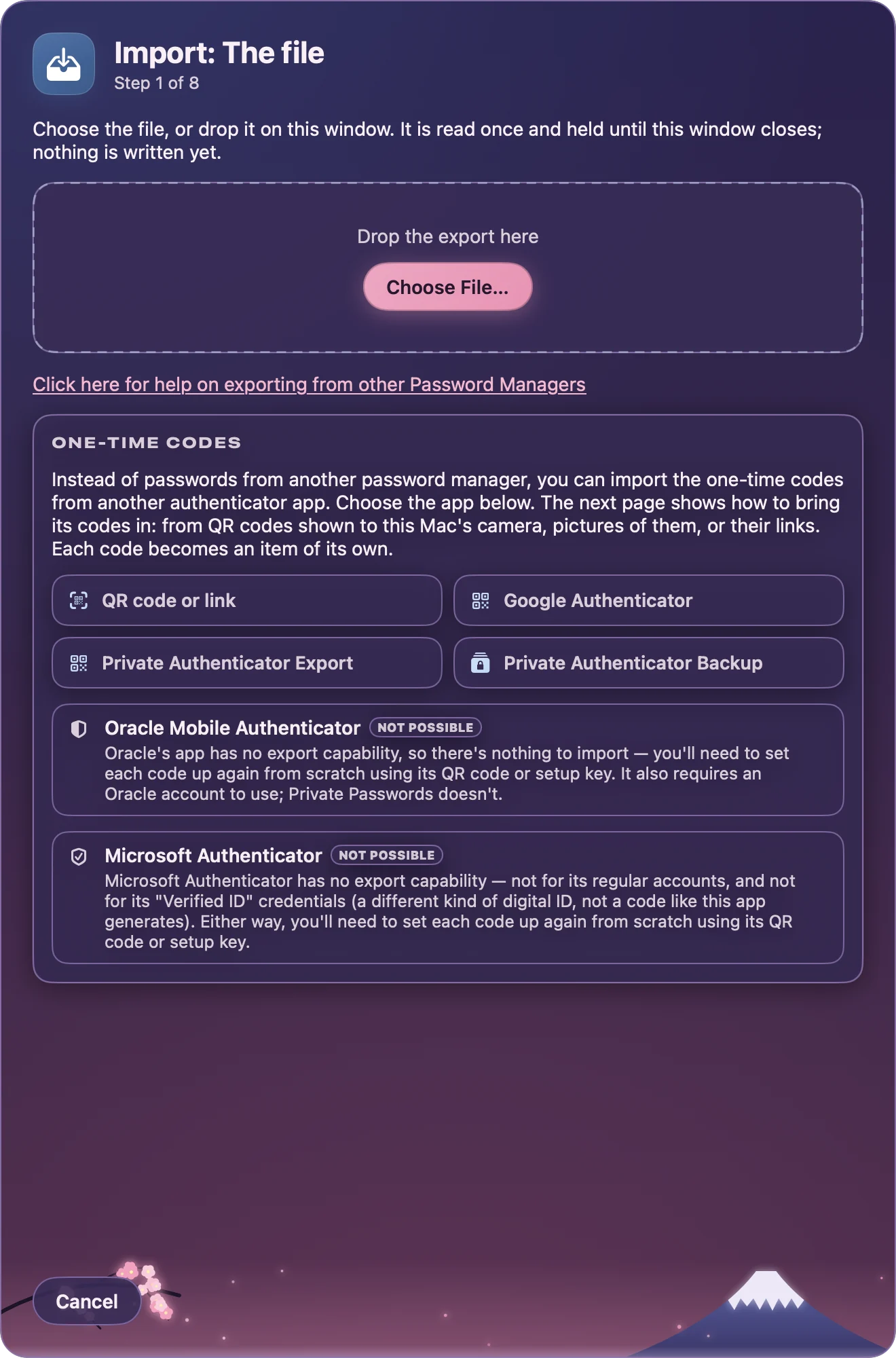
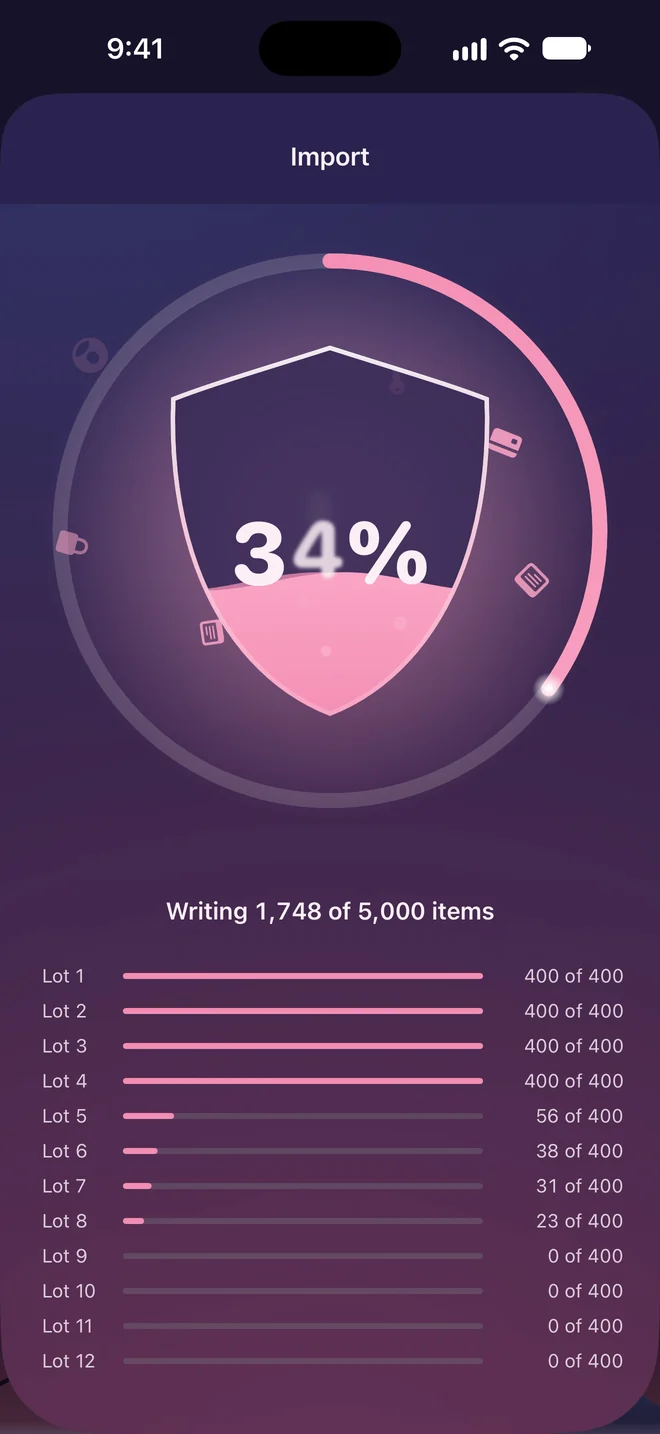
Bring your items from Apple Passwords, Chrome, Firefox, 1Password, Bitwarden, Dashlane, Enpass, KeePass, Keeper, LastPass, NordPass and Proton Pass, and your codes from other authenticator apps.

  • Import from anywhere
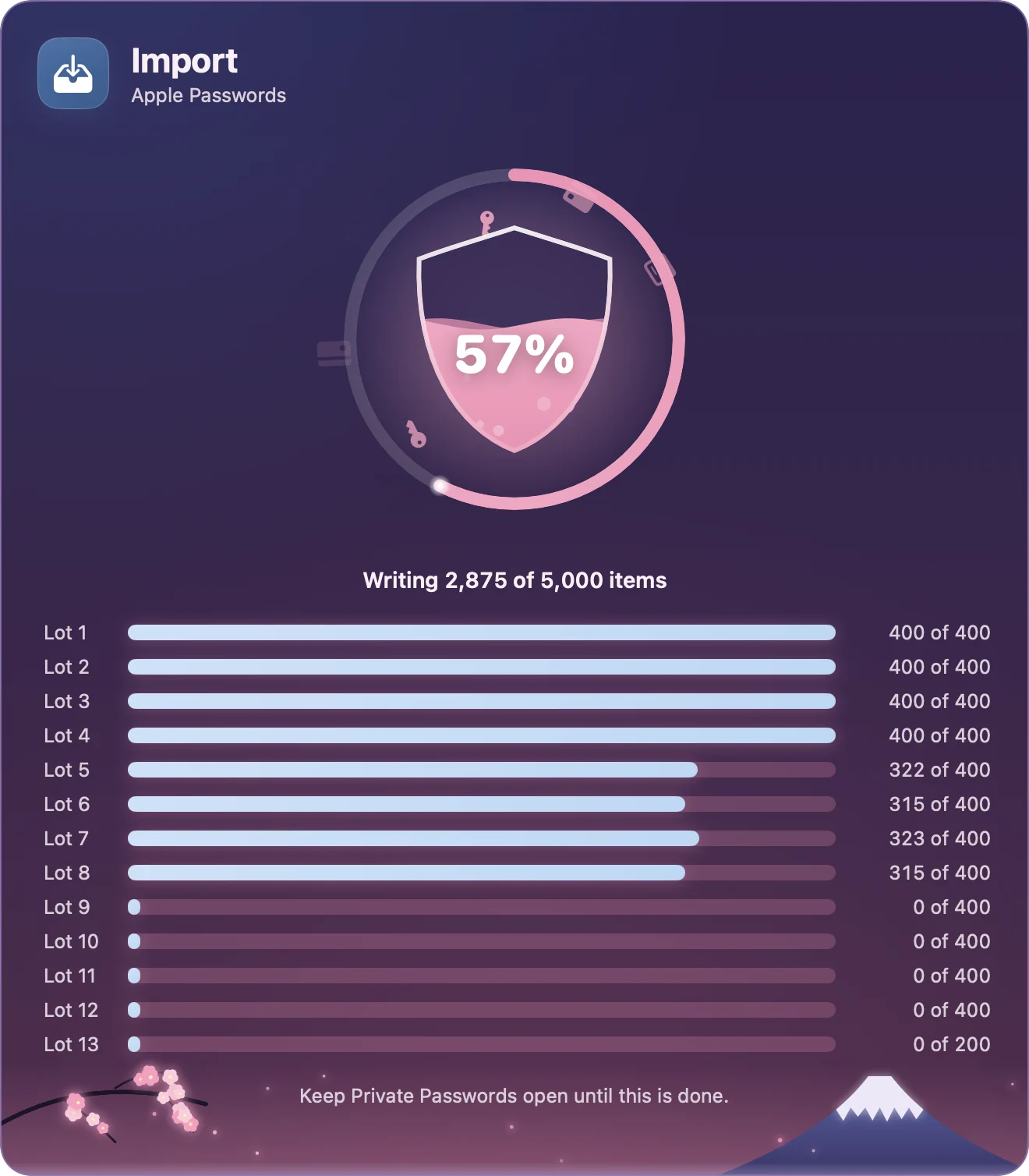
  • High performance for thousands of passwords
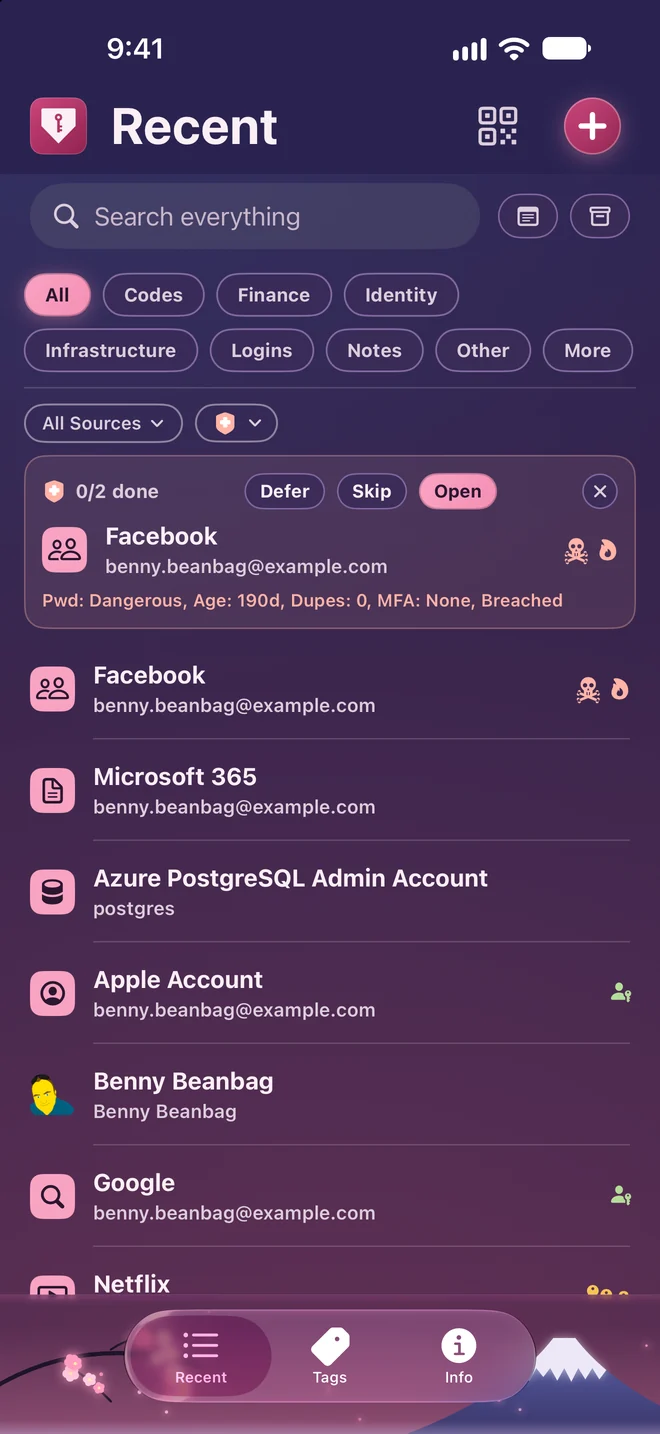
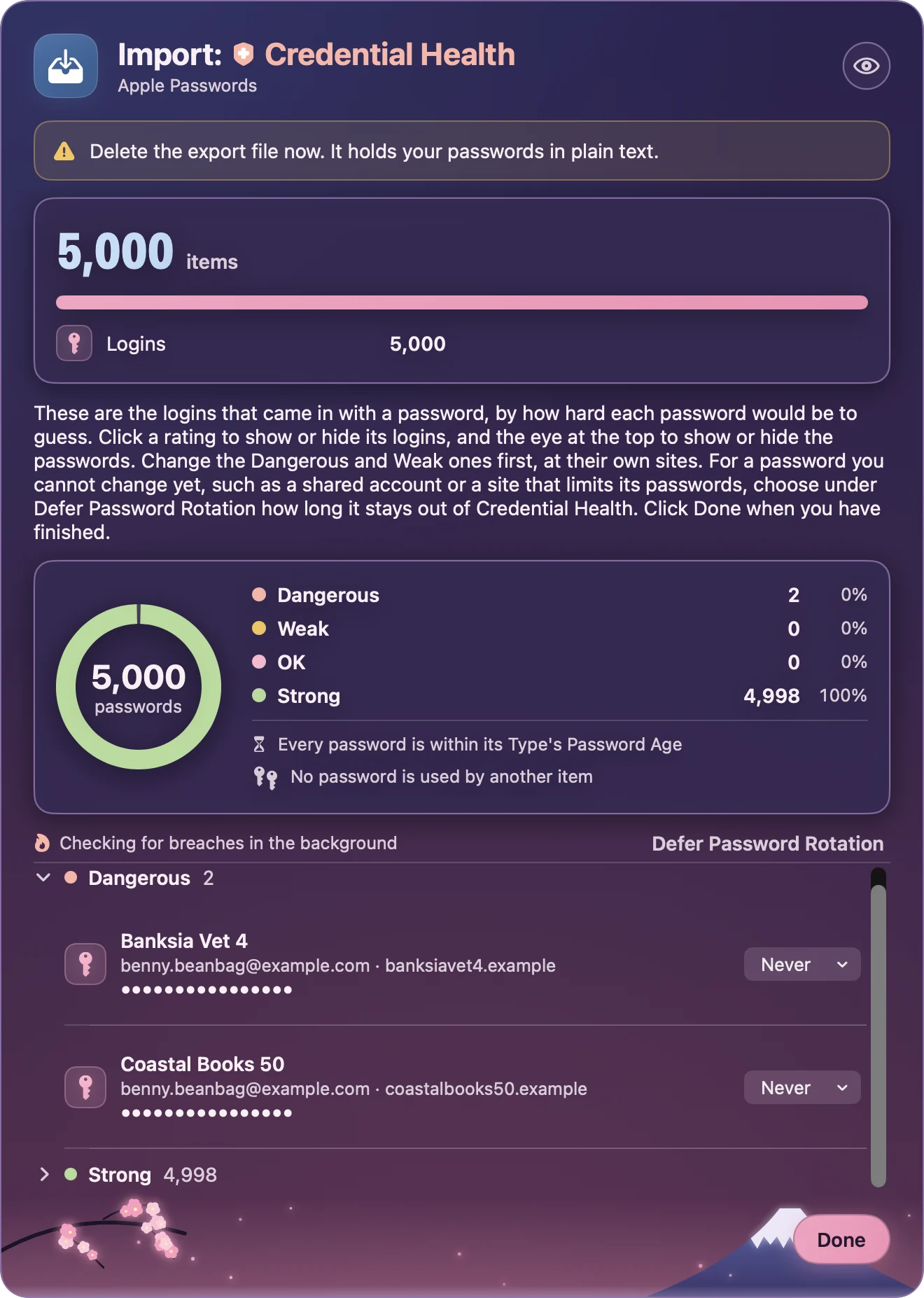
  • Instant insights on your security status

Designed for iPhone Duo

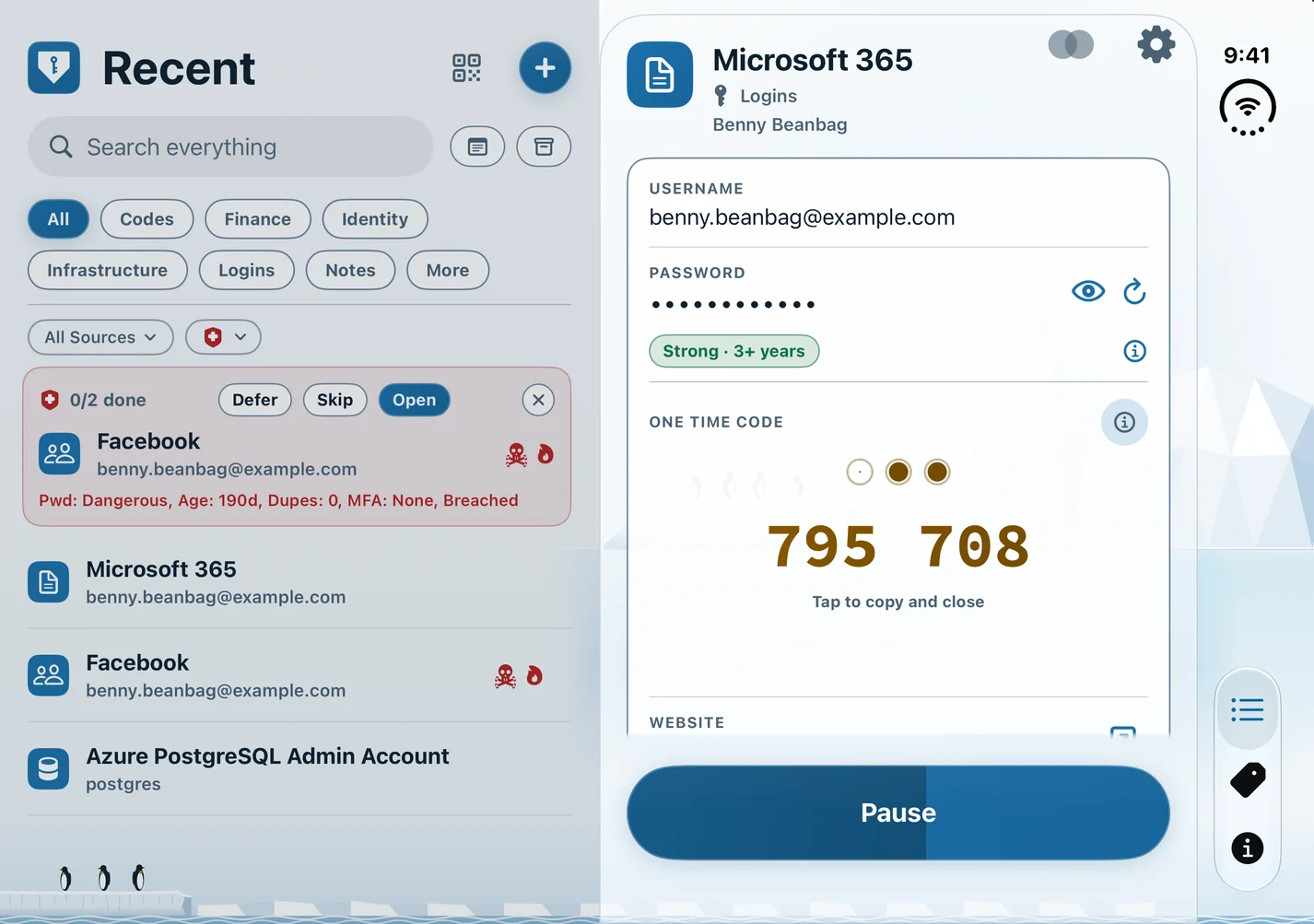
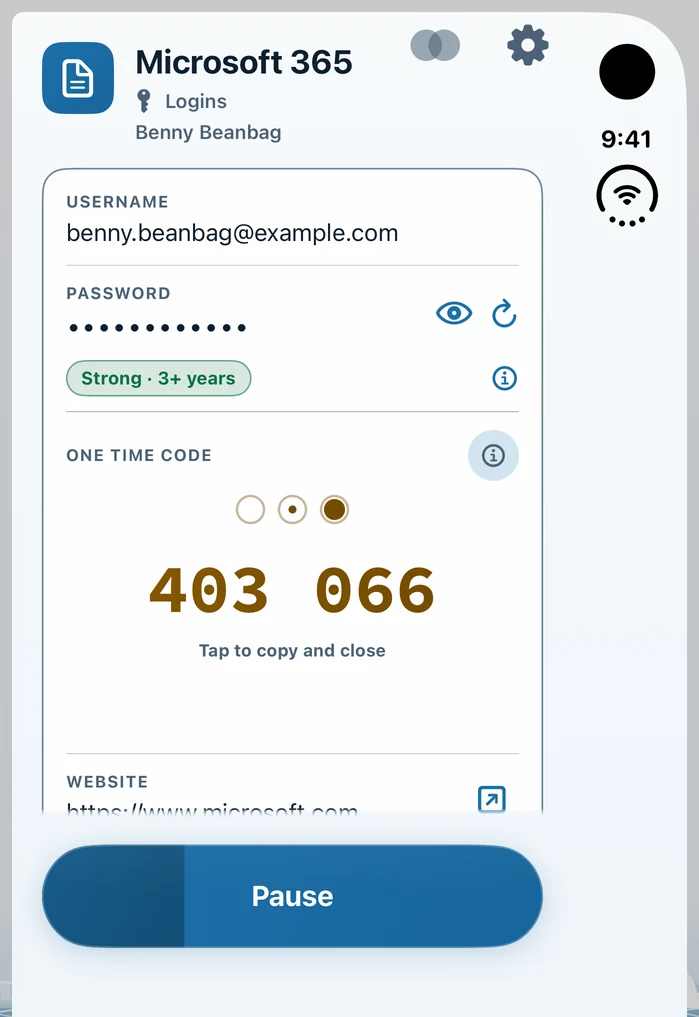
A layout made for iPhone Duo, open and folded.

Syncs on every Apple device

With iCloud Keychain, your items travel between your own Apple devices end-to-end encrypted.

Private Passwords on an iMac, a Mac mini, an iPhone and an Apple Watch, in the Antarctica theme

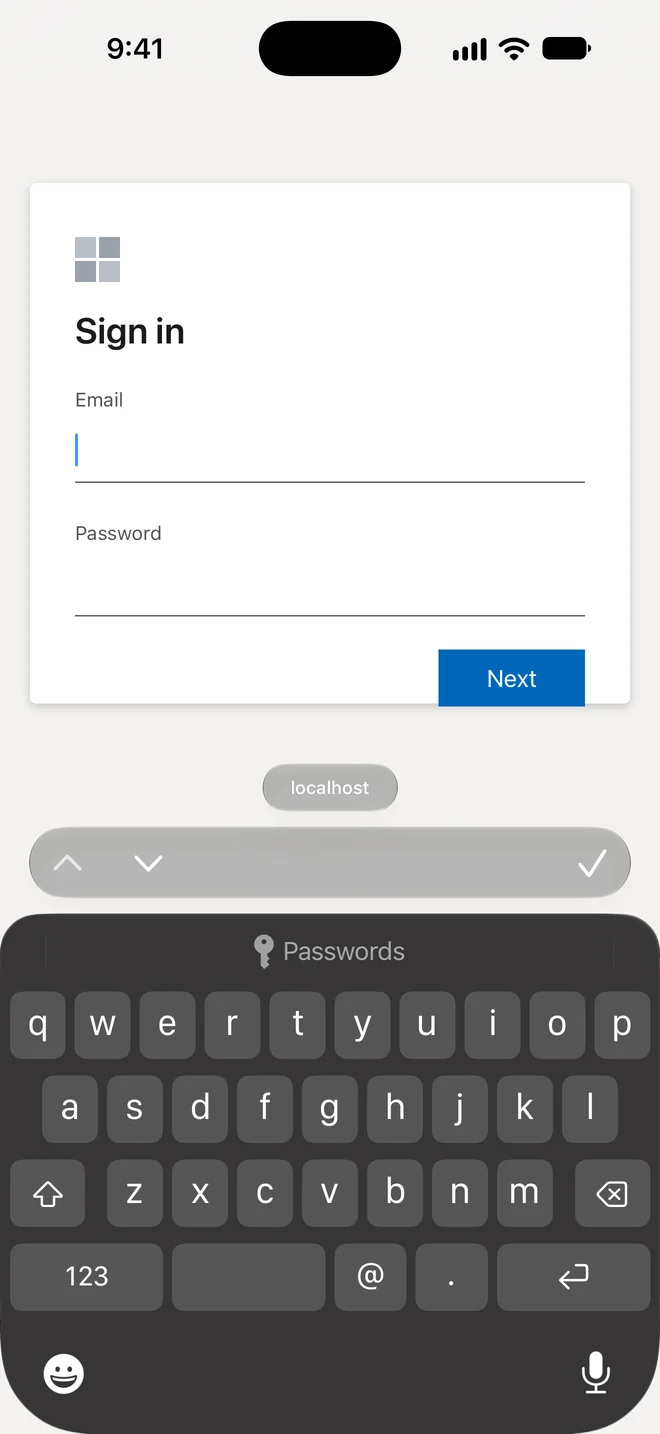
Use AutoFill wherever it is enabled

Passwords, passkeys and one-time codes

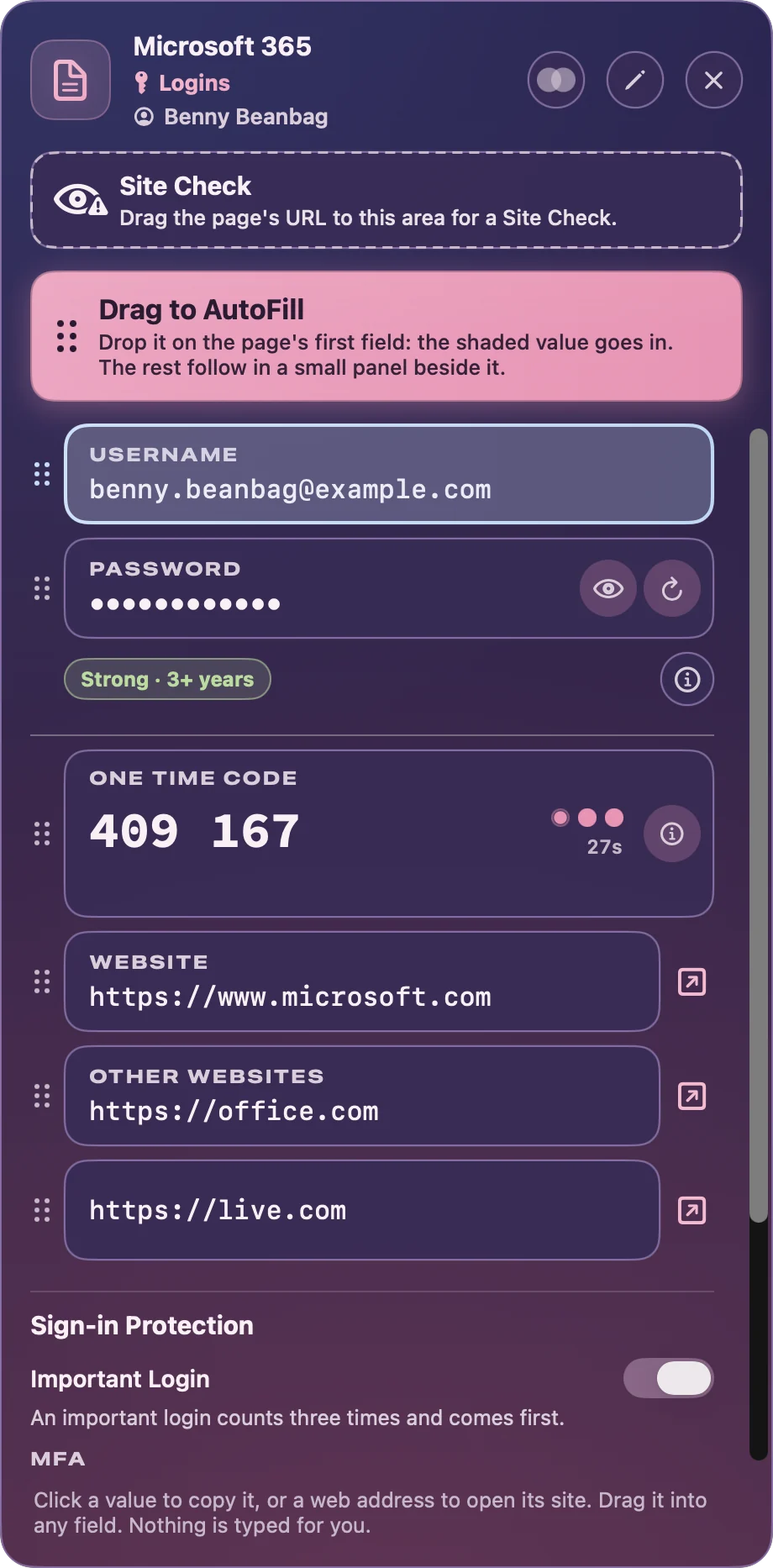
  • Passwords, passkeys and one-time codes fill themselves in, after Face ID or Touch ID.
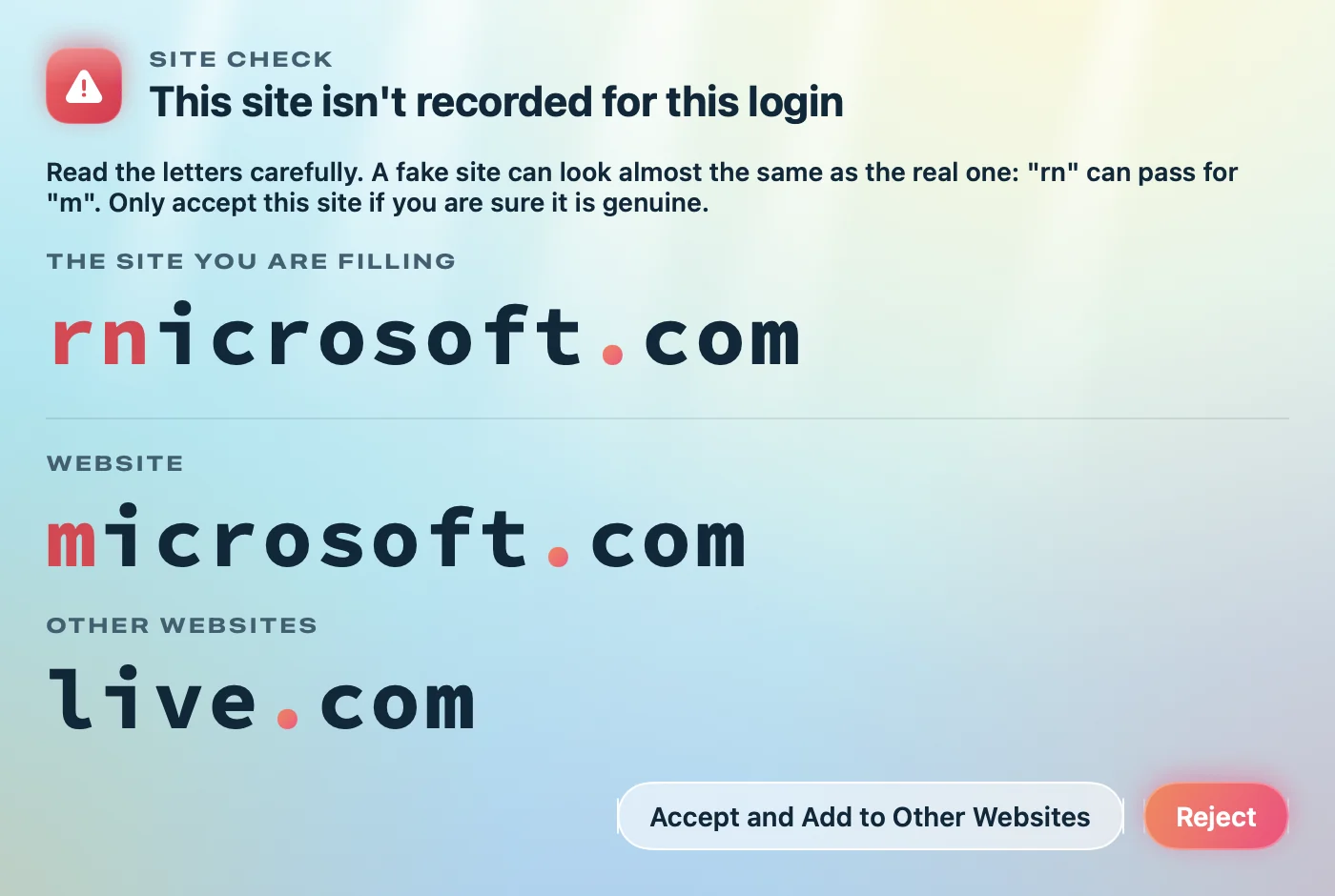
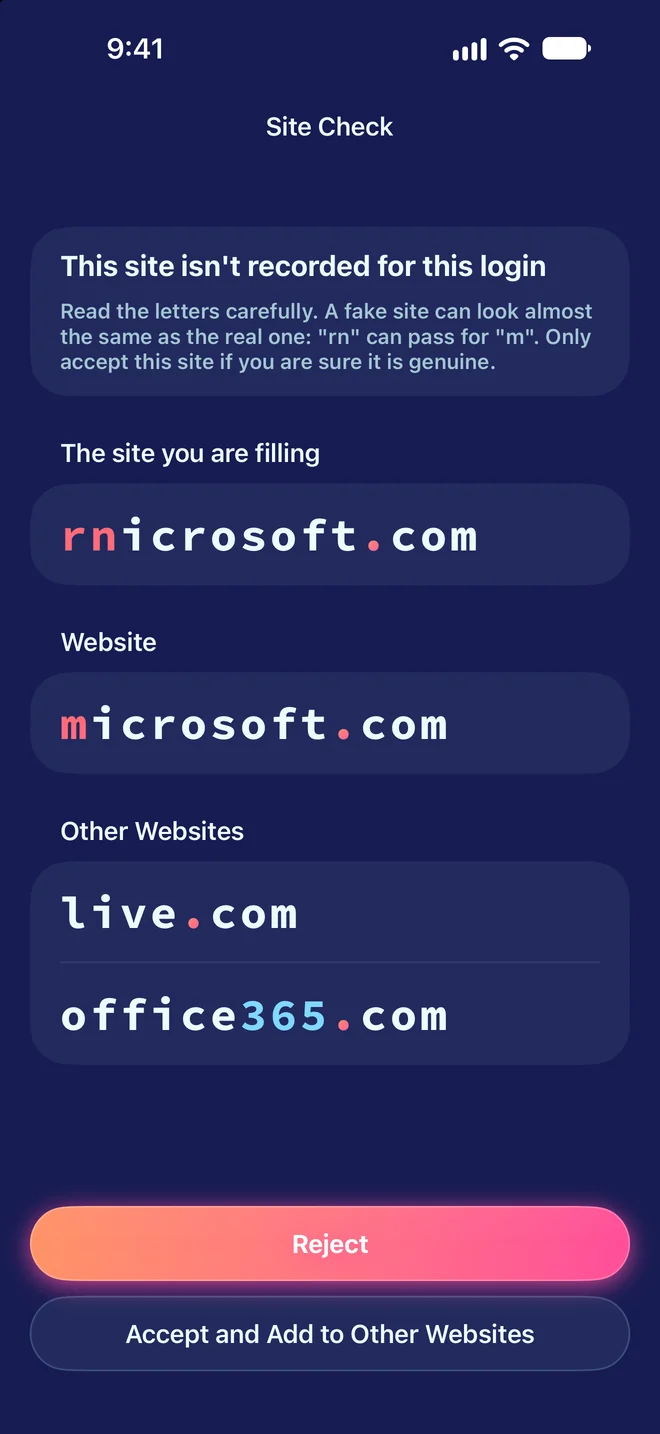
  • Site Check warns you before you fill on a fake look-alike site, such as rnicrosoft.com posing as microsoft.com.

Your passwords stay with you, not us

Maximum Security. Maximum Privacy. No account.

  • No account to make, no server of ours, no tracking and no advertising.
  • Nothing you keep is ever sent to Pebble IT or anyone else, so there is nothing of yours for anyone to breach.
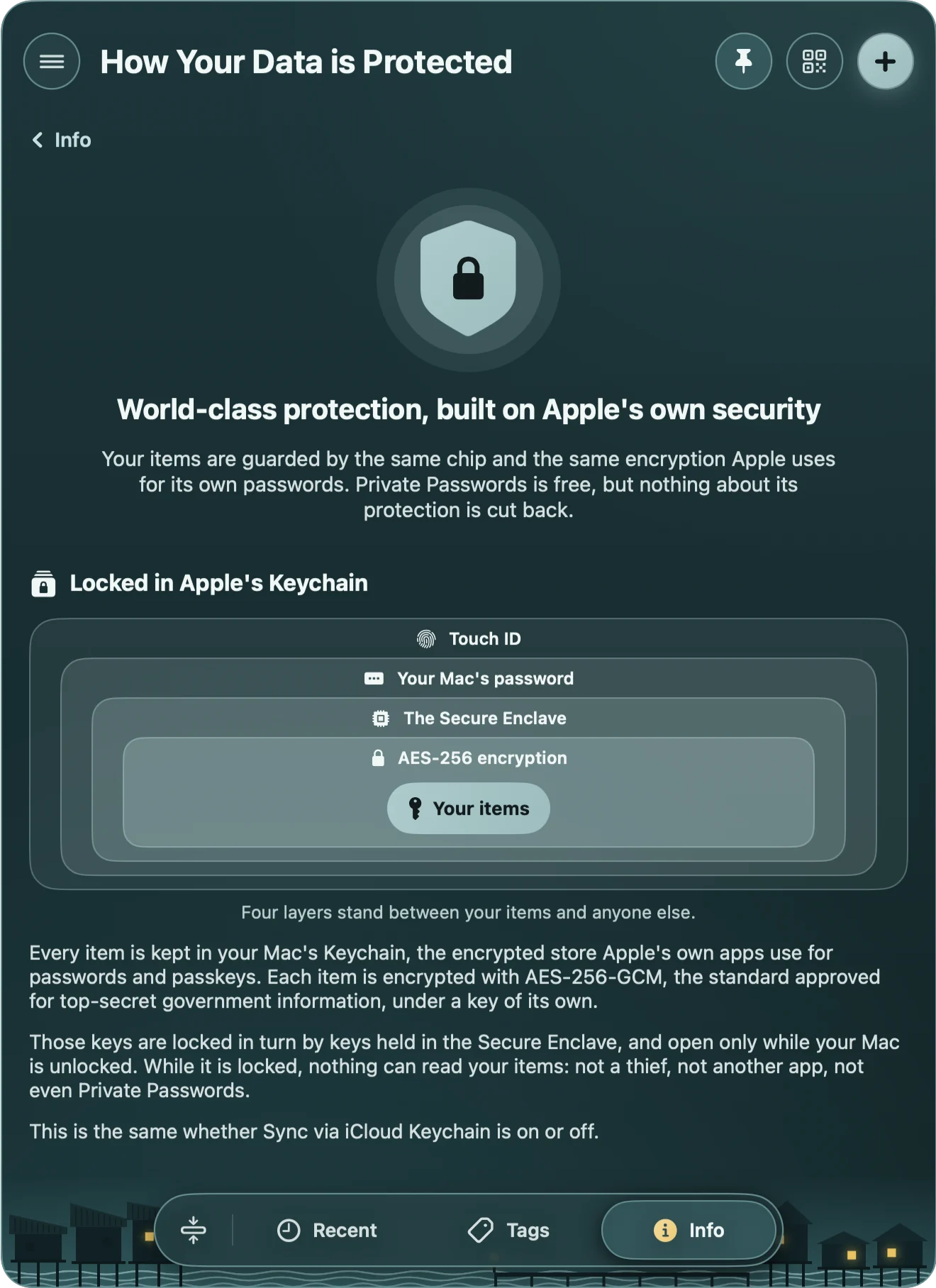
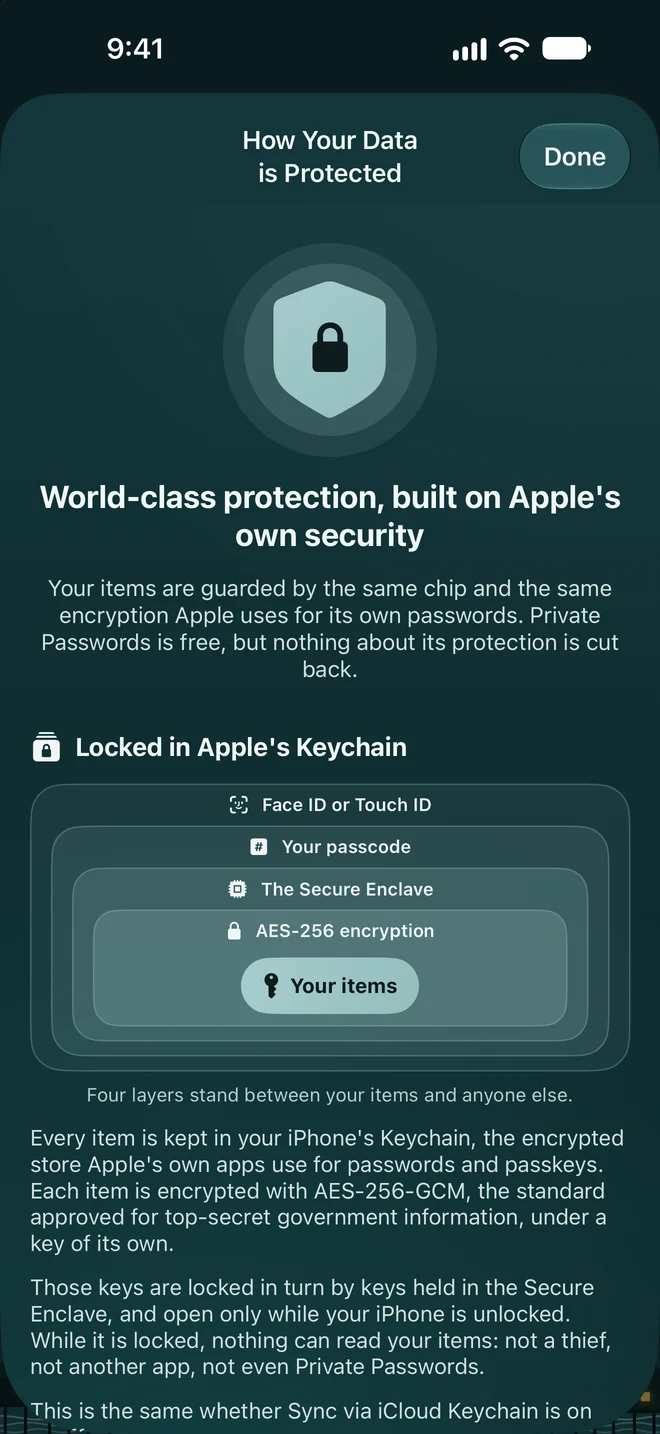
  • Your items are guarded by the same chip and the same encryption Apple uses for its own passwords: the Secure Enclave and AES-256.

Making you safer

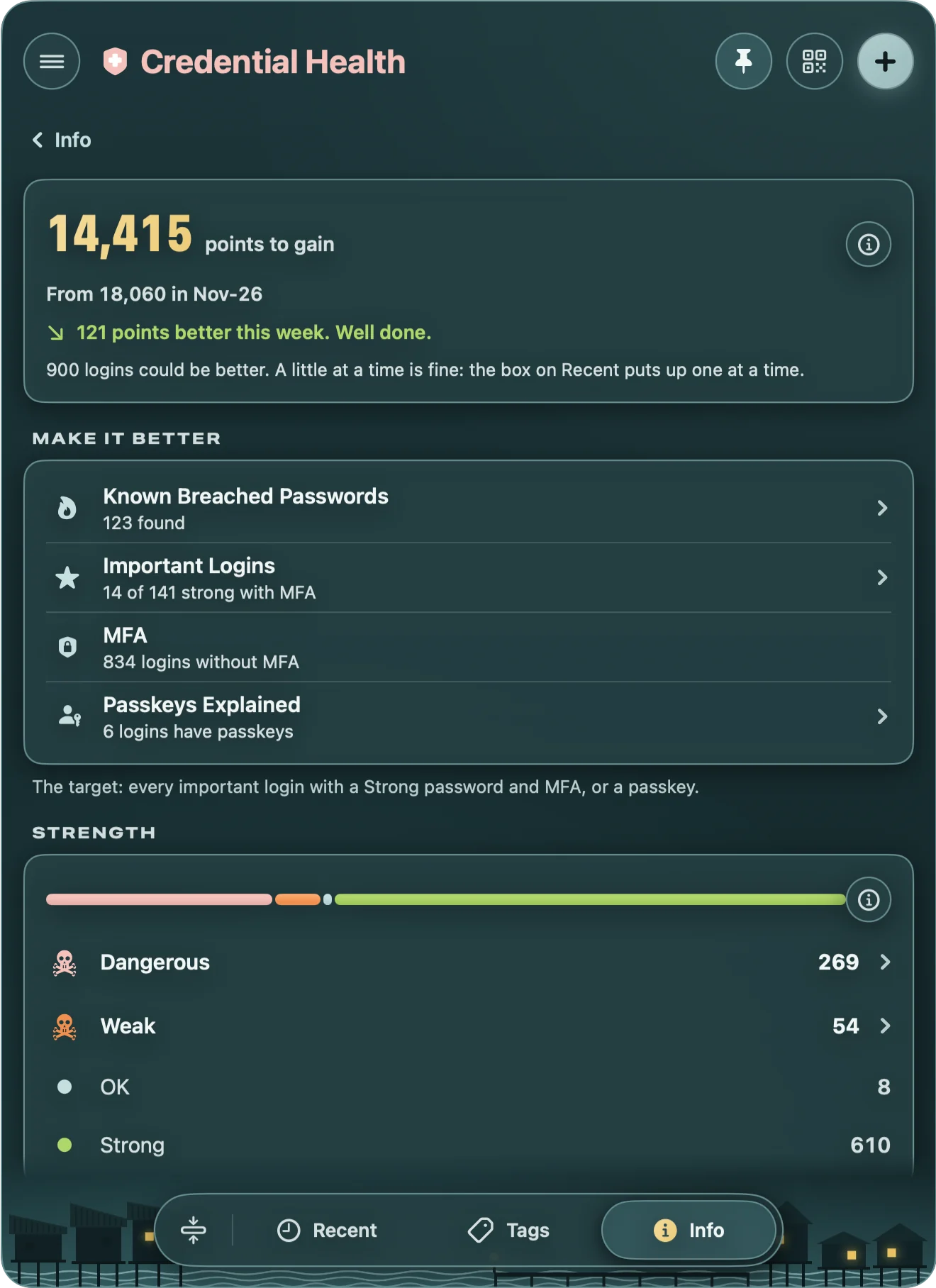
Breached, weak and repeated passwords, found for you

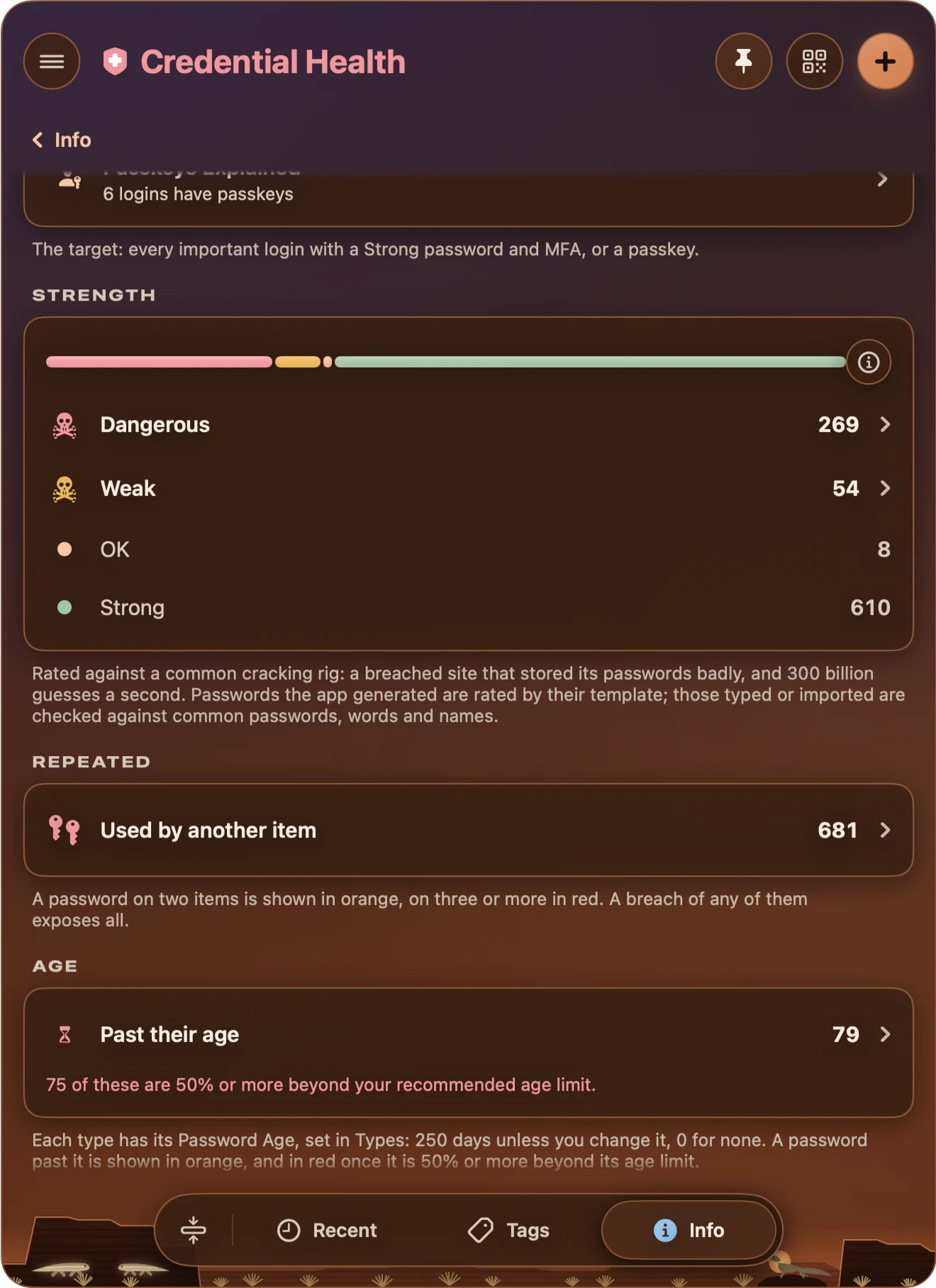
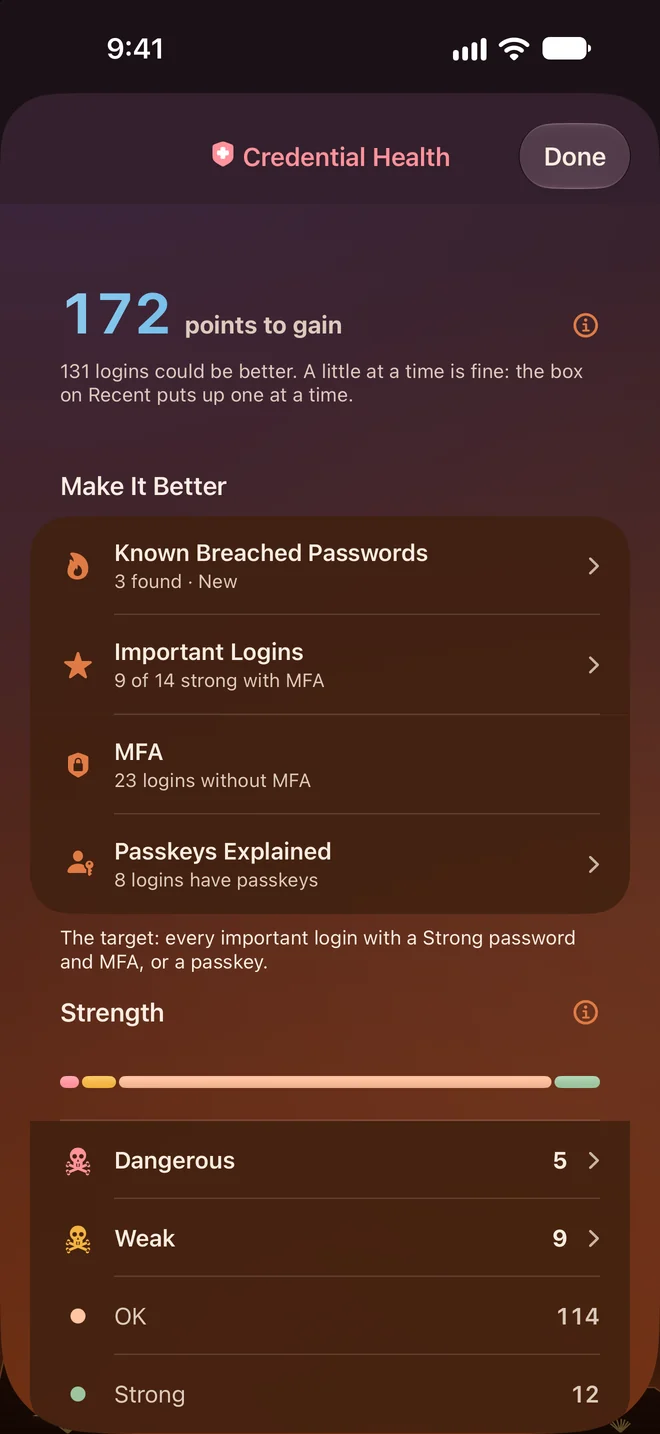
  • Credential Health finds dangerous, weak, repeated and old passwords, and logins without multi-factor authentication.
  • It checks your passwords against known data breaches, sending only the first 5 characters of a scrambled form of a password, never the password itself.
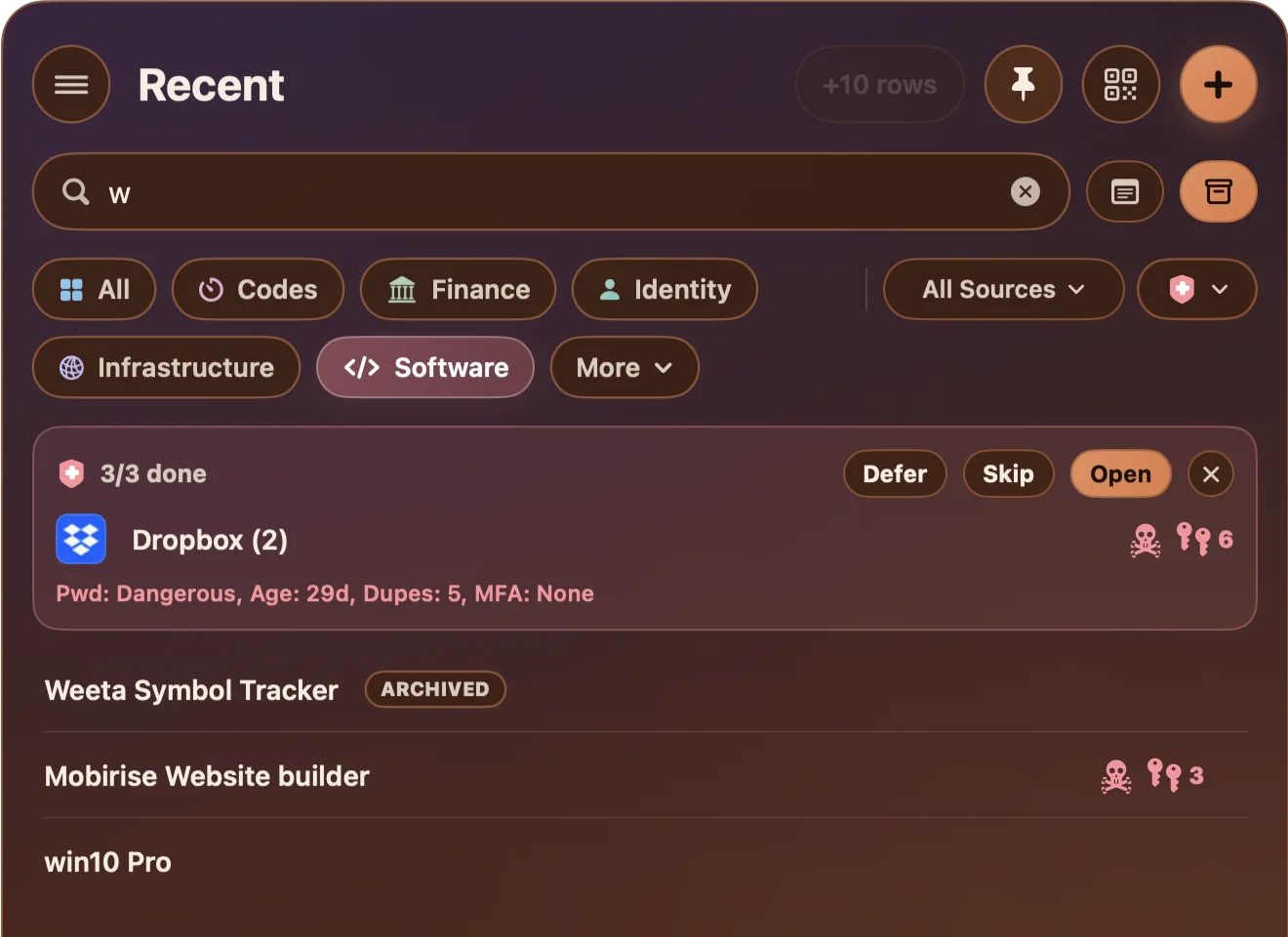
  • A little at a time is fine: Recent puts up one login to fix at a time, and your points show how far you've come.

Make Passwords beautiful, not just secure

Safety is an art

Eight themes, each in light and dark, plus High Contrast.

Other Products

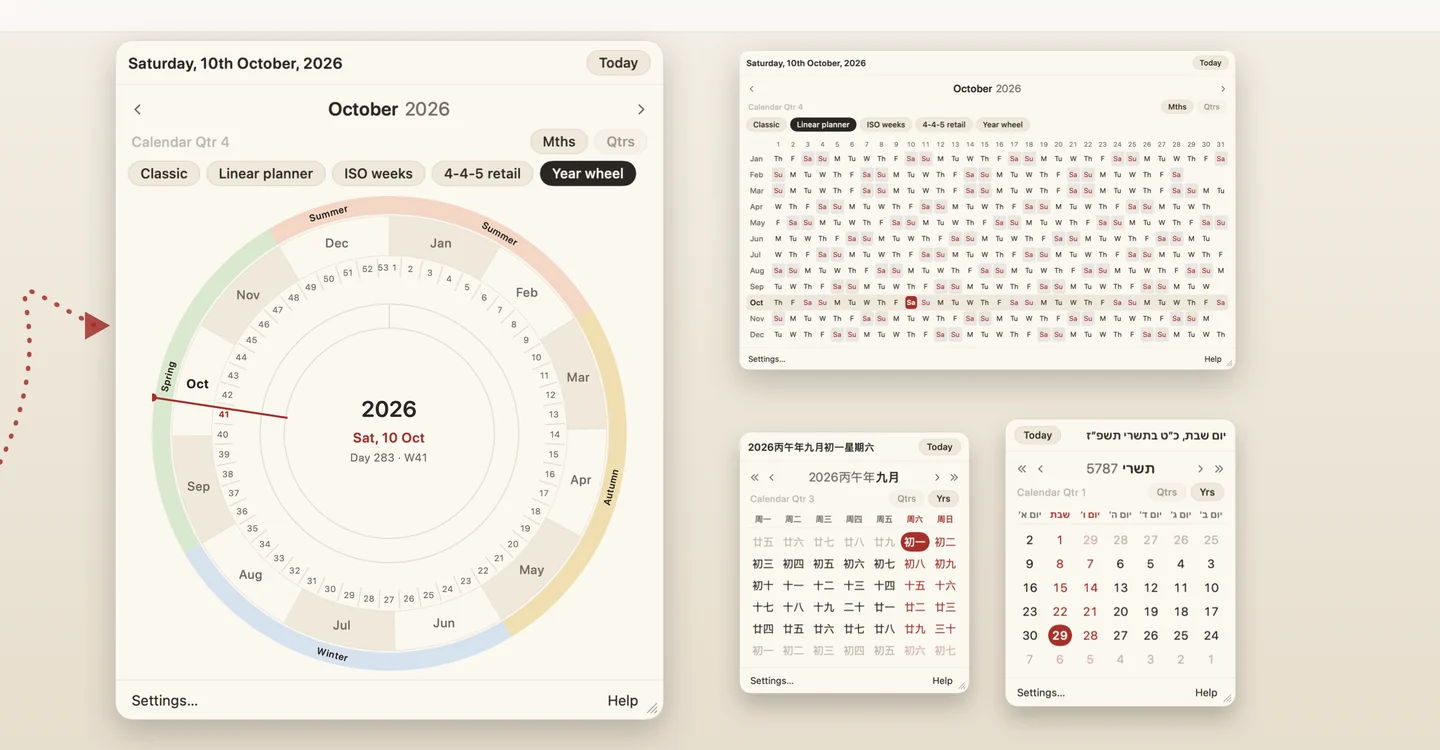
QwikCal's year wheel and calendars from around the world

QwikCal

World Clock, Planner & 4-4-5

QwikCal puts a clear, classic calendar in your Mac's menu bar. A world clock on hover, desktop widgets and four looks, with the year six ways and calendars from around the world. No in-app purchases, no ads.


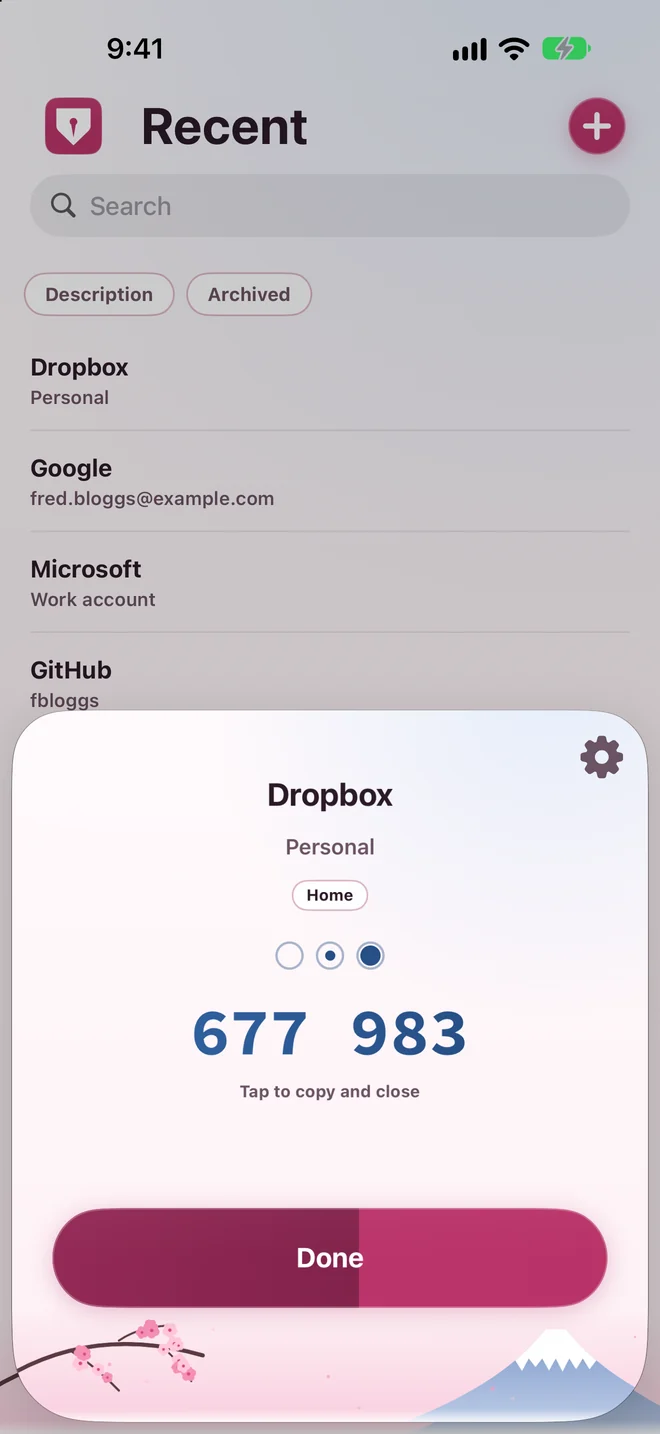
A two-factor code in Private Authenticator on iPhone
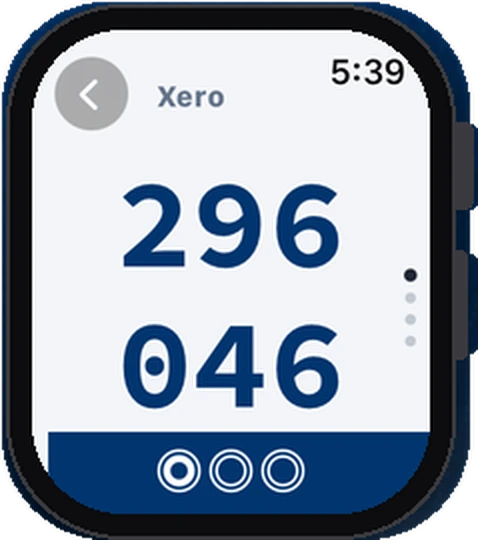
A two-factor code in Private Authenticator on Apple Watch

Private Authenticator

2FA codes, no 3rd party cloud

Private Passwords' little brother on the iPhone to hold all your one-time codes. When you don't need or want to use Private Passwords but you need an Authenticator to securely store your codes, then Private Authenticator is your choice. Maximum Security, maximum freedom.